Choose the Right Video & Display Technologies for Town Hall Meetings
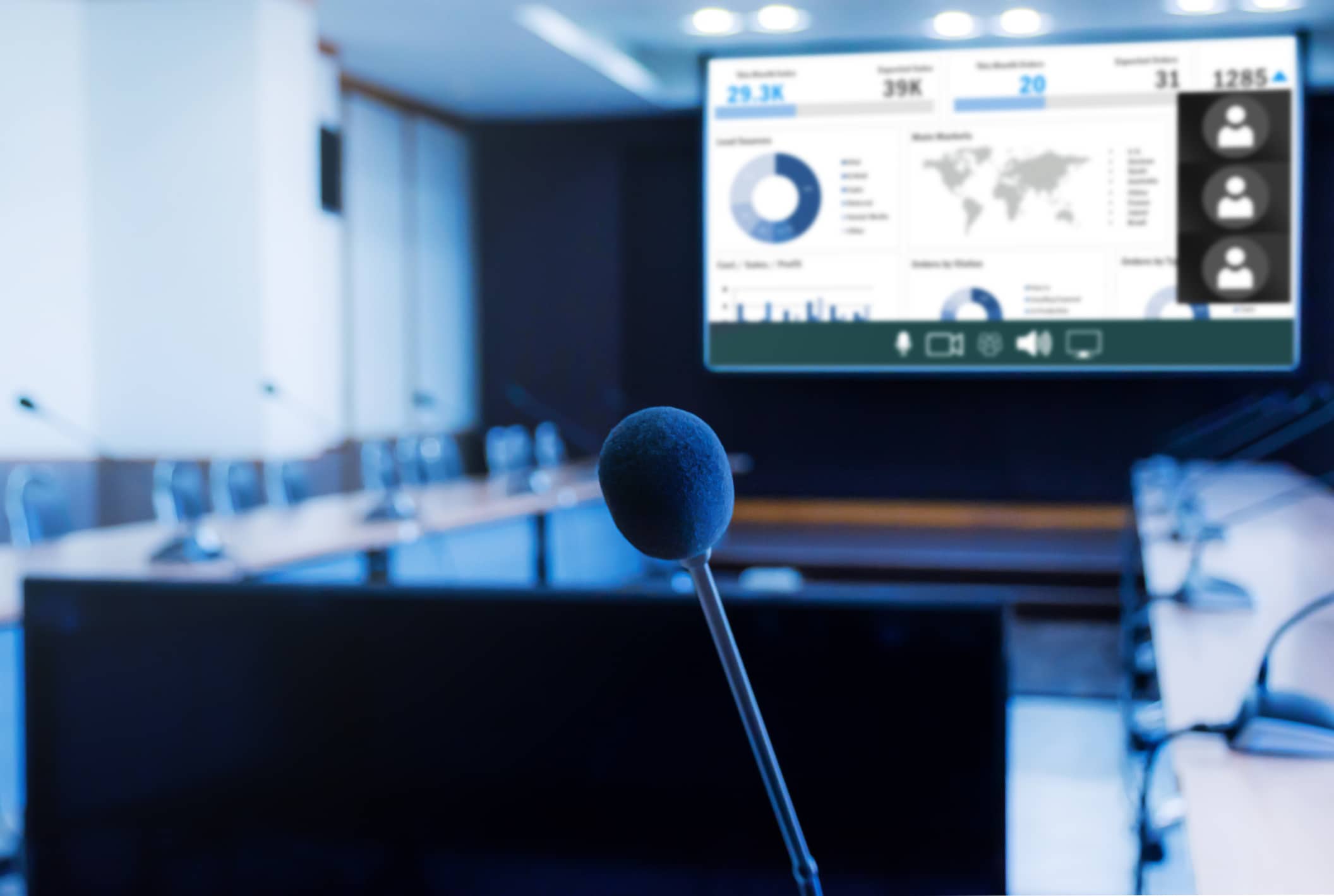
Large, bright, sharp displays go a long way to maintaining audience engagement in town hall environments. But it’s not enough merely to hold attendees’ attention – not when today’s technology empowers you to immerse and captivate audiences with unforgettable imagery and ideas.
Beyond choosing the right display technology, you must deploy it optimally and complement each component with the right supporting technologies. When everything works together, the result will be a town hall experience unlike any other.
Decide Between LED Walls vs. Projectors
In a town hall environment, choosing the right displays depends on factors like room size, audience seating layout, ambient lighting, and content type. Consequently, before you consider display technology, focus on the environment itself as well as your anticipated use cases. Once you understand your objectives and constraints, it’s time to choose the right video and display technology to realize your vision.
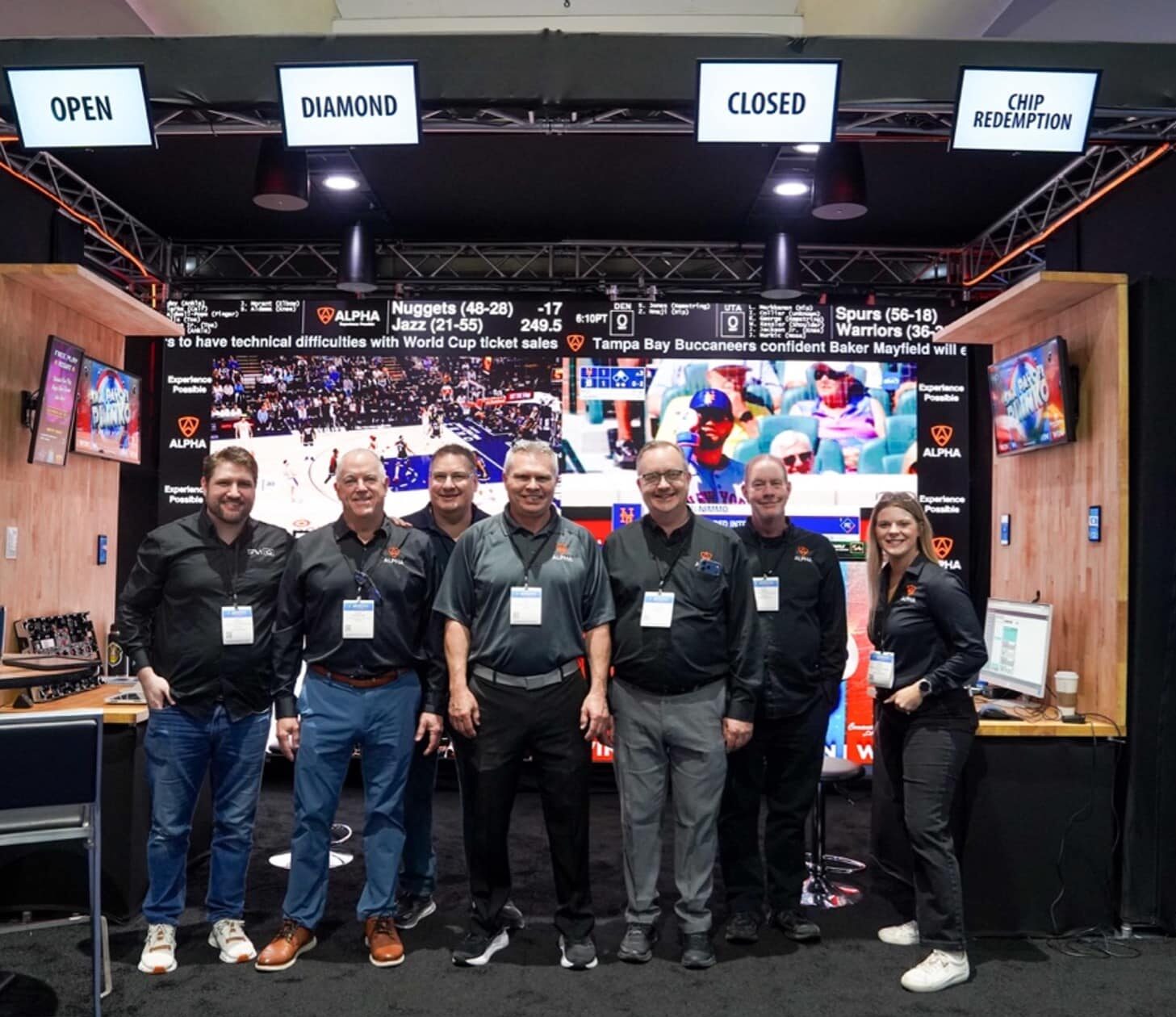
For large corporate town halls, premium executive spaces and high-visibility branding areas, direct-view LED video walls (dvLED) provide the large-scale, high-impact visuals you need to captivate attendees. Among the factors to consider are pixel pitch & resolution. Lower pitch is ideal for environments where people are close to the screen; higher pitches work for larger spaces with more distant viewers. In well-lit environments, high brightness will ensure visibility, while automatic brightness adjustment will optimize the imaging. For on-camera broadcasts, choose a display with a high refresh and frame rate to eliminate flicker and ensure smooth motion handling for video playback.
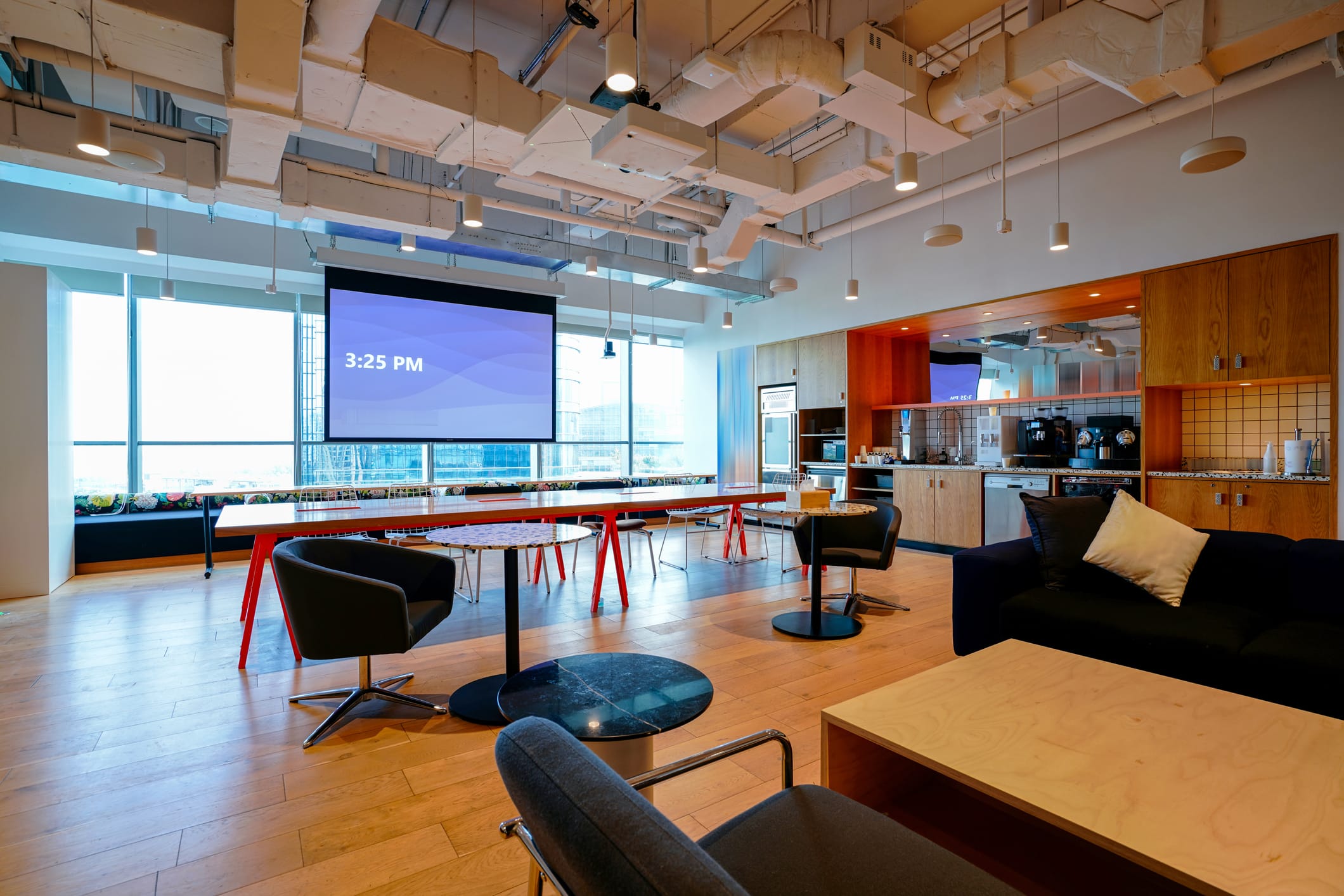
It’s also important to consider screen size and aspect ratio, viewing angles, mounting and structural issues, and durability and longevity, as well as operational, service and maintenance costs. Among LED’s compelling benefits are the nearly infinite options you have for screen shape and size. Modular, seamless, bezel-free LED design enables application most anywhere, enabling you not just to show speakers and content but to create room ambiance via LED “techorating.”
The principal alternative to LED video walls is laser or DLP projection system technology, which can produce massive images at a lower cost than LED and comes with short-throw and ultra-short-throw options for flexibility.
Note, however, that even if you choose the best projection technology with high lumens, your integration may still be viewed as something “less than.” There’s a perception that projection technology is the corner-cutting option and that a truly premium town hall environment will be equipped with LED technology.
If you do opt for projection, you’ll need to weigh laser vs. lamp-based technologies. Lumen levels and HDR support should also be considered along with resolution and image clarity, screen size and throw distance, contrast ratio and color accuracy, screen type, and noise level and cooling, as well as connectivity and signal processing.
Focus on Screen Placement and Viewing Angles
Clear visibility and an engaging experience are critical for all attendees in a town hall environment.
First consider viewing angles and sightlines. For both direct-view LED and projection screens, a 160°-180° horizontal viewing angle ensures visibility from all seating positions. When positioning to achieve the optimal vertical viewing angle, avoid excessive tilt (more than 30°). You’ll also want to elevate large displays at least 4-6 feet from the floor to ensure visibility for all members of a seated audience. Now consider screen size appropriate for the furthest viewing distance by using the 4-6-8 rule, which dictates a 4x screen height for detailed work, a 6x screen height for standard presentations, and an 8x screen height for video content.
Also think about screen placement and room layout. A central LED wall or projection screen works well in rectangular or narrow spaces, whereas multiple side screens or confidence monitors improve visibility in wide rooms or columned spaces. If your town hall has high ceilings, consider elevating the screen or using tilted displays to improve sightlines.
As most town halls will include hybrid audiences, it’s important to ensure remote participants have a clear view of all the action. Position cameras at eye level with in-room participants for natural remote viewing and use multiple camera angles to capture presenter and audience reactions. Also note that separate video feeds for presenter content and the speaker allow remote viewers to toggle between them. Additionally, ensure that presentation slides are clear on the screen by using direct feeds vs. capturing the screen via a camera.
For remote participants, dual-screen and hybrid display setups will ensure attendees see both the presenter and content clearly. If you’re using a large LED wall, integrate picture-in-picture (PiP) mode to show remote attendees alongside the main content. It’s also important to avoid overly bright LED walls that might cause glare or flicker on the video feed. Using backlighting on presenters can be helpful to avoid shadowing and ensure they are well-lit for the remote audience.
Optimize Content Distribution for Hybrid Events
A strategic approach to AV infrastructure, streaming quality and audience engagement will help you provide a seamless experience for on-site and remote town hall participants.
For multi-platform content delivery, use a unified AV-over-IP system to distribute content to on-site displays and remote participants simultaneously. Also choose technology that optimizes performance of your client’s preferred streaming platform. It’s also a best practice to provide multiple viewing options (desktop, mobile, in-room displays) to suit different audience needs.
Screen and content layout should be considered for both audience segments. On-site displays can include a main LED wall or projection screen for presentation content, along with side screens or confidence monitors for panelists, speakers and Q&A, and in-room feeds for displaying remote attendees. Remote viewers will benefit from a split-screen layout that shows both the presenter and the presentation. A dedicated content feed will provide clear visuals for them, while real-time captions and translation enhance accessibility.
Next consider how to achieve low-latency, high-quality video and audio streaming. To optimize resolution and bitrate, distribute 4K/HD content on-site via HDMI, SDVoE, or NDI, and stream in 1080p or 4K, adjusting bitrate based on remote audience bandwidth. Use a low-latency streaming encoder to reduce delay between in-room and online audiences and prioritize wired network connections over Wi-Fi for stable transmission.
Redundancy and backup planning is also important. For example, a dual-streaming setup for two platforms will guard against failure. A backup internet connection will prevent outages. And redundant AV capture technology can help ensure a smooth experience when hardware fails.
Enhance the Power of Displays with Appropriate Lighting
In a town hall environment, even the brightest LED can still be affected by glare and reflections from ambient lighting. It’s also important to avoid spotlights or windows directly facing the screen, as they can wash out visuals. Here adjustable brightness controls can be helpful. You can also use blackout shades. To further enhance your projection solution, spec an ambient light-rejecting (ALR) screen.
For hybrid meetings, remember to give equal weight to presenter lighting and audience lighting. Soft, even illumination of the presenter will reduce harsh shadows and improve camera quality. Key lights and fill lights will create a natural look, and backlighting can help separate the speaker from the background. For hybrid events, remote participants should be able to see the in-room audience. This requires dim but balanced lighting. To avoid casting of shadows on faces, steer clear of excessive overhead lighting.
Another consideration involves how to manage screen glare and reflections. You can do this by avoiding placing bright lights directly behind or above displays, using diffused or indirect lighting to reduce reflections on displays, and using anti-glare coatings for glass or screen covers.
You may also want to employ dynamic lighting control, including dimmable LED fixtures, zoned lighting systems, and automated or FMX-controlled lighting that synchronizes with the AV system for scene changes. Pay attention as well to color temperature and consistency by using a neutral white (4000K-5000K) to balance natural skin tones and screen colors. Likewise, warm light (2700K-3500K) creates a more inviting space (at the risk, however, of distorting colors). Remember, consistent color temperature across fixtures prevents distracting visual mismatches.
Take Advantage of Advanced Video Integration Features
Technological advances in video integration have led to dramatic improvements in engagement, accessibility and production quality for town-hall events.
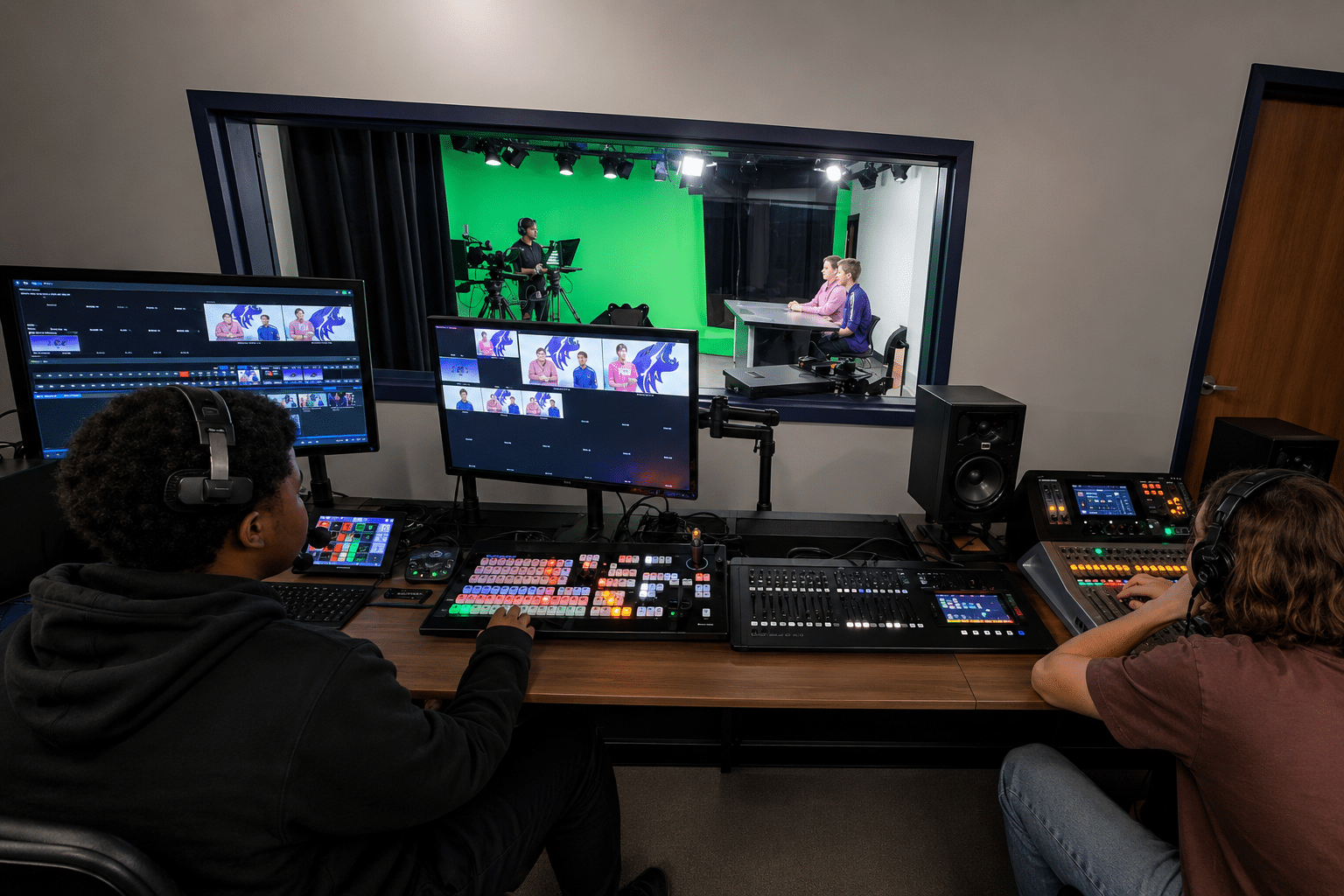
Multi-camera production with AI and auto-switching, for example, selects the best camera angle based on speaker movement and audience interaction. PTZ cameras dynamically adjust focus based on voice activation or facial recognition, and automated multi-camera setups allow seamless transitions between presenters, panelists and audience.
AR overlays provide real-time captions, data visualization and interactive graphics on LED walls, while extended reality backdrops create immersive presentations using LED video walls. Moreover, virtual backgrounds can be customized for branding or thematic visuals.
Benefits can also be realized by live video feeds and remote guest integration. Multi-source video integration allows remote presenters to appear seamlessly on stage. PiP layouts enable simultaneous viewing of content and remote panelists. And low-latency remote feeds make conversation between onsite and virtual participants more natural.
Another area where AI has been helpful is in the accessibility realm. Live AI captions engage the hearing impaired. Multi-language translation feeds allow for more diverse audiences, and voice-to-text documentation can provide detailed meeting notes post-event.
Intelligent video distribution and adaptive streaming are better than ever, too, with AV-over-IP solutions (like NDI, SDVoE and Dante AV) that distribute video with low latency across multiple in-room screens. Cloud-based video routing allows dynamic switching of content feeds to various displays based on audience location, and adaptive streaming adjusts video quality in real time based on viewer bandwidth.
Other features to consider: AI-enhanced camera framing and speaker tracking; automated cloud recording and smart video indexing along with dynamic replays; LED-integrated stage design and immersive video; and advanced hybrid and virtual audience interaction, including live polling and Q&A overlays that integrate with both in-room and remote platforms.
Effective Video Solutions Enhance Engagement
The success of a town hall event depends, more than anything else, on grabbing and holding your audience’s attention. This can be difficult in an all-hands environment because you have so much space to manage. Yet the latest advances in video and display technology for large meetings give you the power to create unforgettable experiences that illuminate your strategy, burnish your brand, and translate your ideas into action.